
Preview, Edit, Publish
Keep an original visual preview, edit document content, then use Publish to prepare the final paginated output.
A closer look at the app
Refine AI Docs puts four document workflows in one calm workspace. Select a card in the interface below to see what it is for and what happens next.
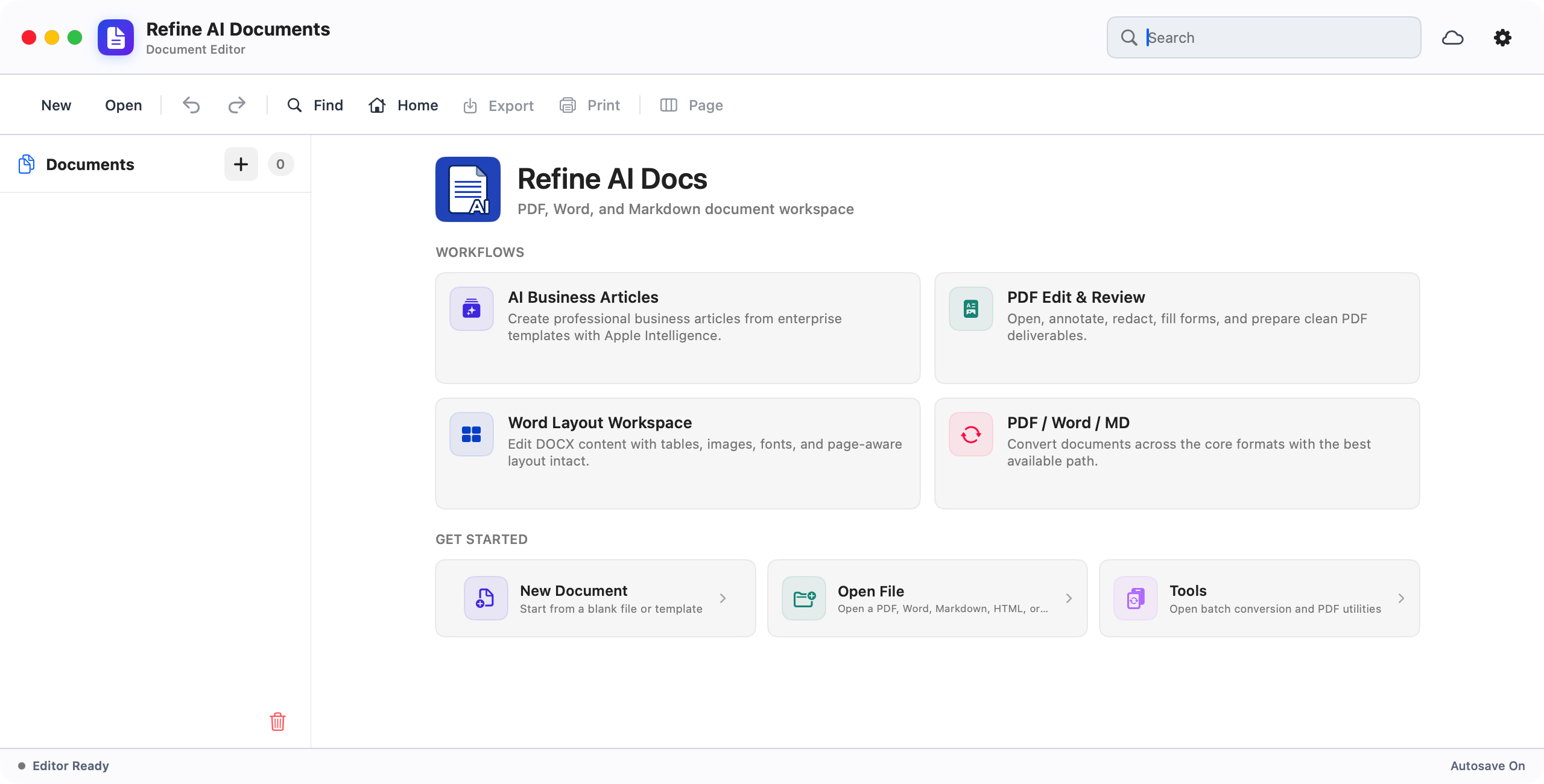
Core capabilities
Keep an original visual preview, edit document content, then use Publish to prepare the final paginated output.
Use a geometry-aware path when placement matters, or reflow document content when a new page layout is the goal.
Recover text flow, headings, page structure, and tables from scanned or image-heavy PDF documents.
Use batch document tools and Composer templates for repeatable document preparation and professional output.
Pricing
Website memberships renew automatically unless canceled at least 24 hours before renewal. Taxes may apply and are calculated at checkout. 14-day refund policy.
$6.99 / month
Full Docs membership for active document work.
$39.99 / year
Lower effective monthly cost for ongoing document workflows.
Local-first document flow
Refine AI Docs focuses on the practical work between opening a messy document and exporting something clean enough to reuse, review, or share.
Open PDFs, DOCX files, Markdown, HTML, images, and structured notes.
Choose fixed-layout editing or reflow content, then apply Publish settings for final output.
Prepare clean PDF, DOCX, Markdown, TXT, RTFD, or SDOC files; table workflows can also export CSV.
FAQ
Yes. Refine AI Docs supports PDF, DOCX, Markdown, OCR, and local document conversion workflows on macOS. HTML can be opened as an input format.
It focuses on structure recovery, including headings, tables, images, reading order, and editable DOCX output.
Local OCR helps turn scanned or image-heavy pages into editable and reusable document content.
The product is designed around local-first workflows, so private document processing can stay on your Mac. Membership, purchases, and account synchronization require network access.