
Understand
Summarize a document, extract key points, recover structure, or inspect its format without changing the source.
AI FOR OS 27 · LOCAL-FIRST
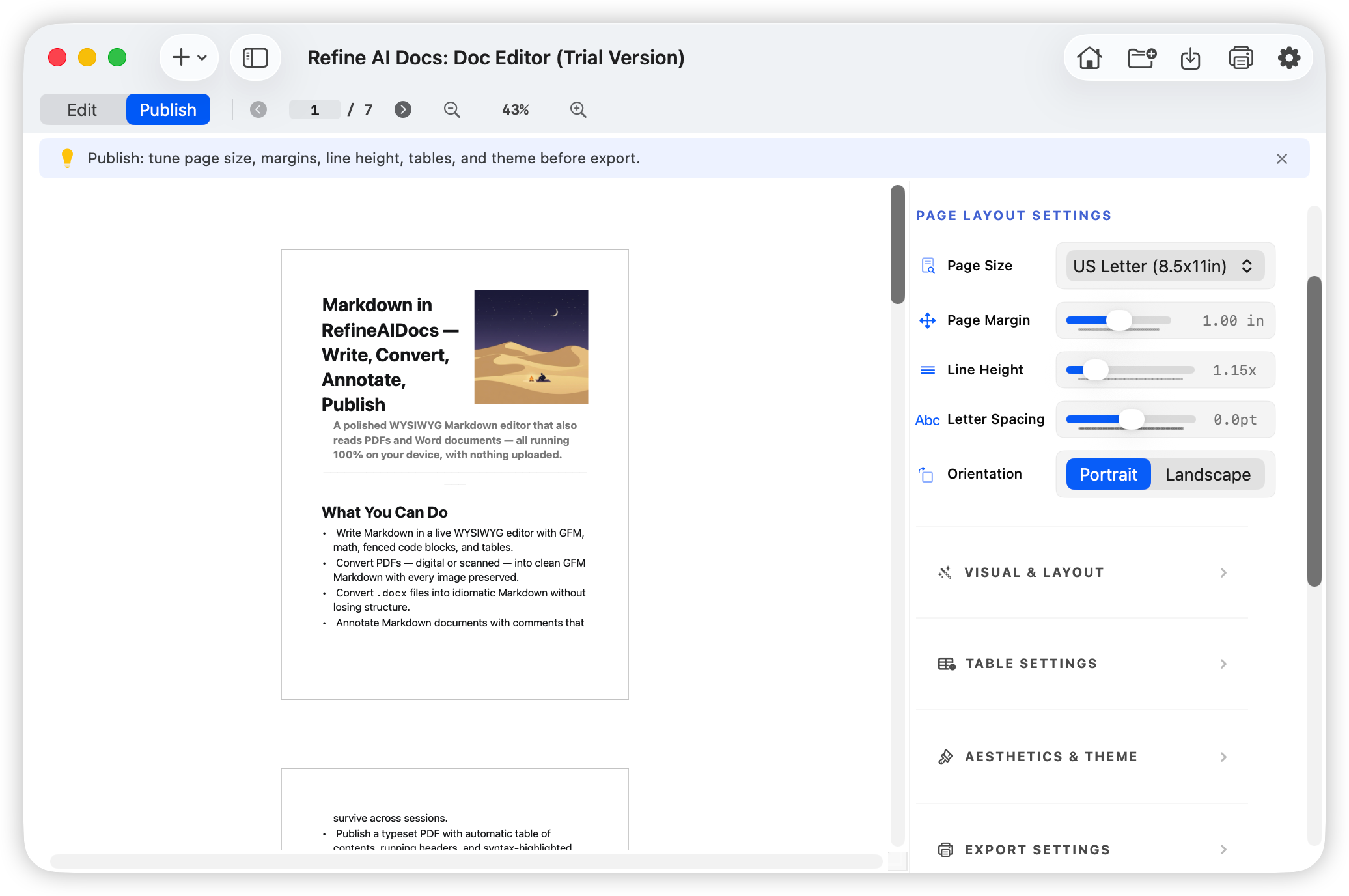
Refine AI Docs understands the source. Refine AI Publisher shapes the result. Rewrite a selection, extract structure, create a business document, and publish a polished PDF while your files stay on your Mac.
Built for macOS 27 and Apple Intelligence. Review every result before it changes your document.
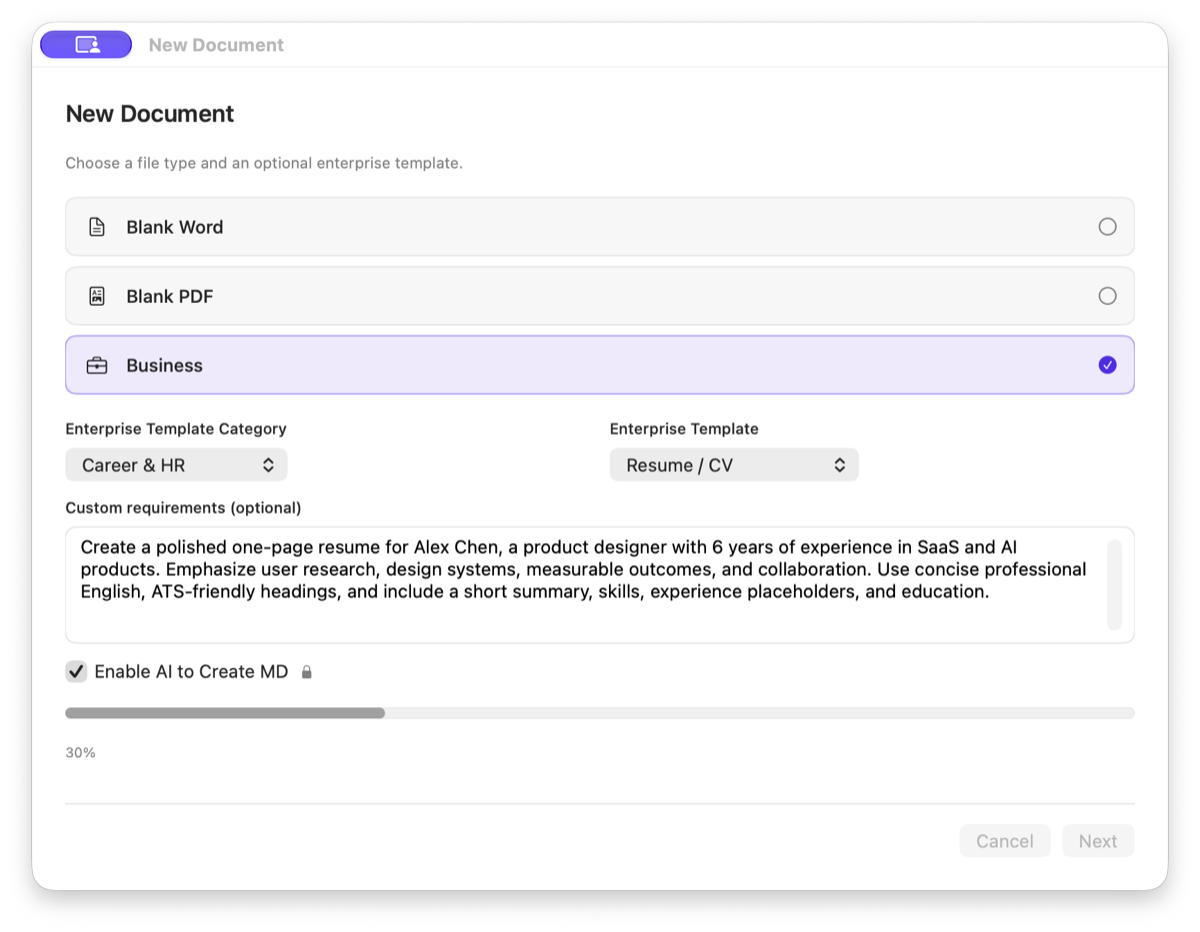
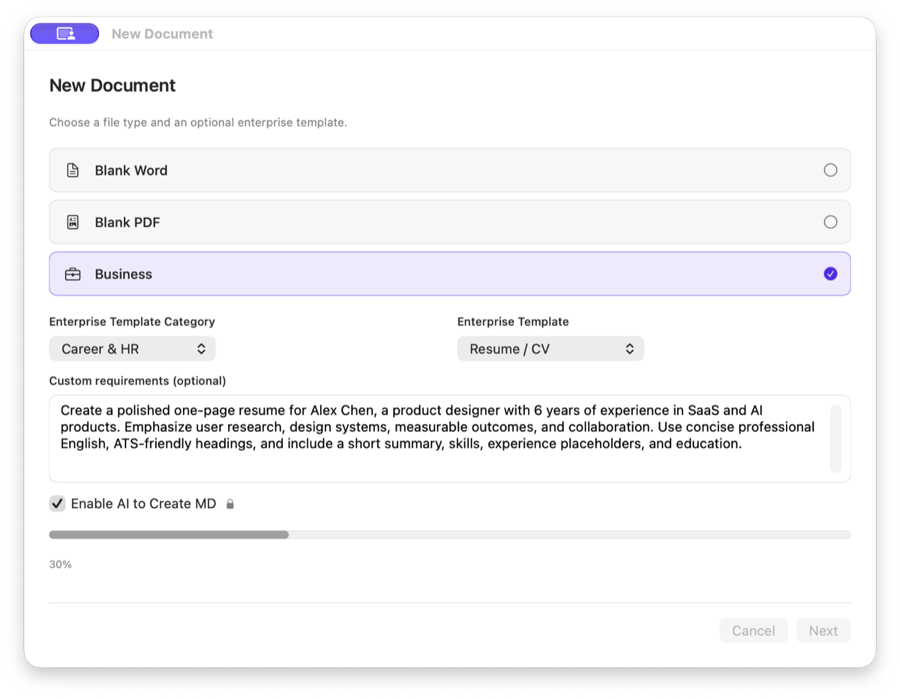
Write the role, strengths, and format requirements.
Requirements entered in Refine AI Docs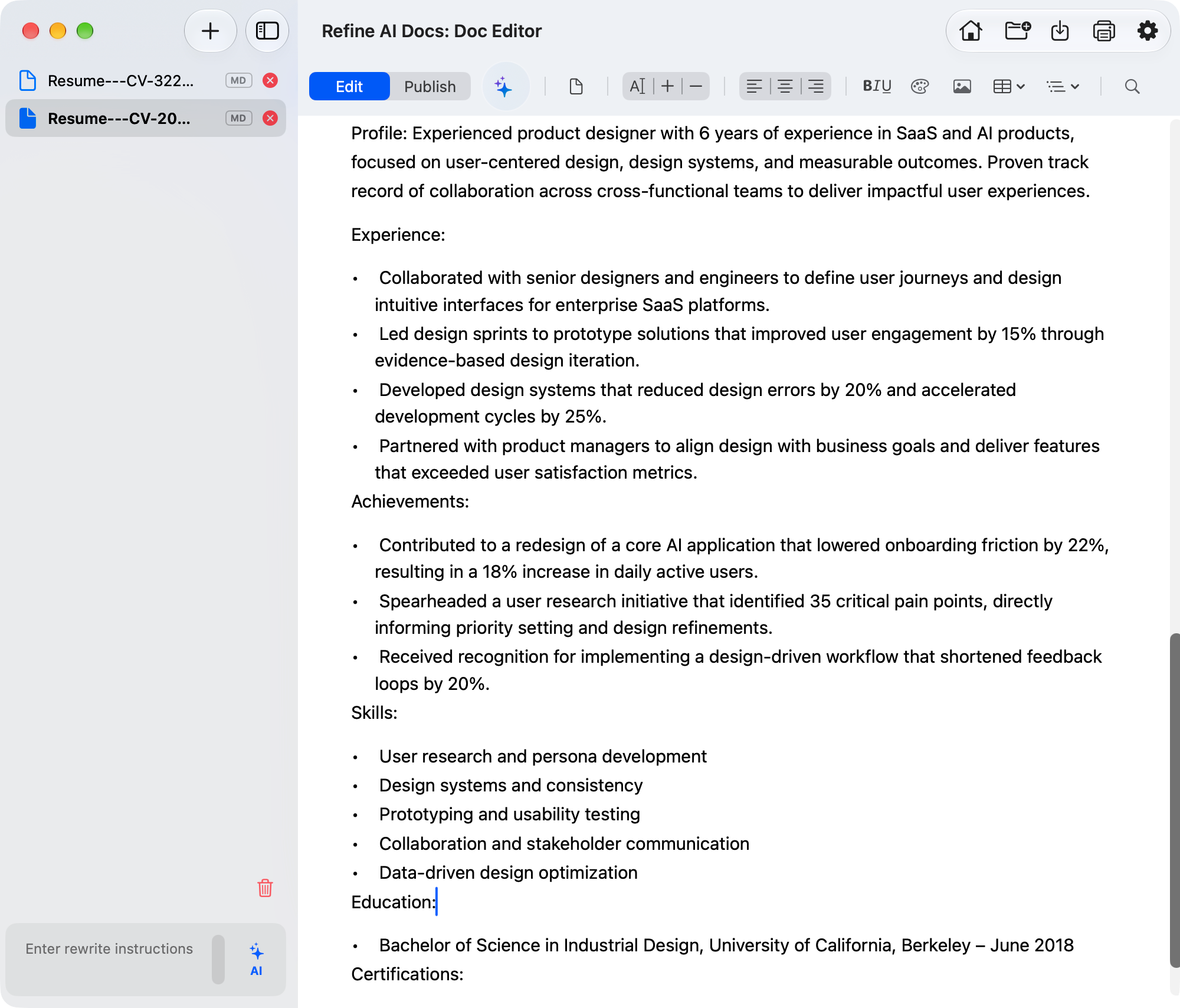
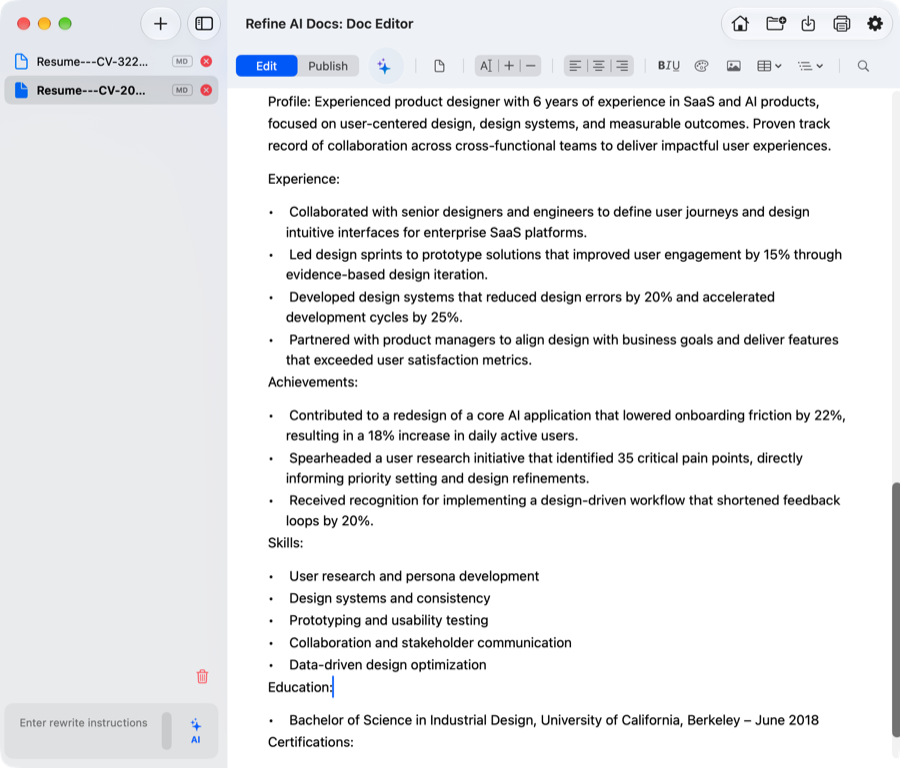
Get a structured resume ready to edit and publish.
AI-generated result in Refine AI Docs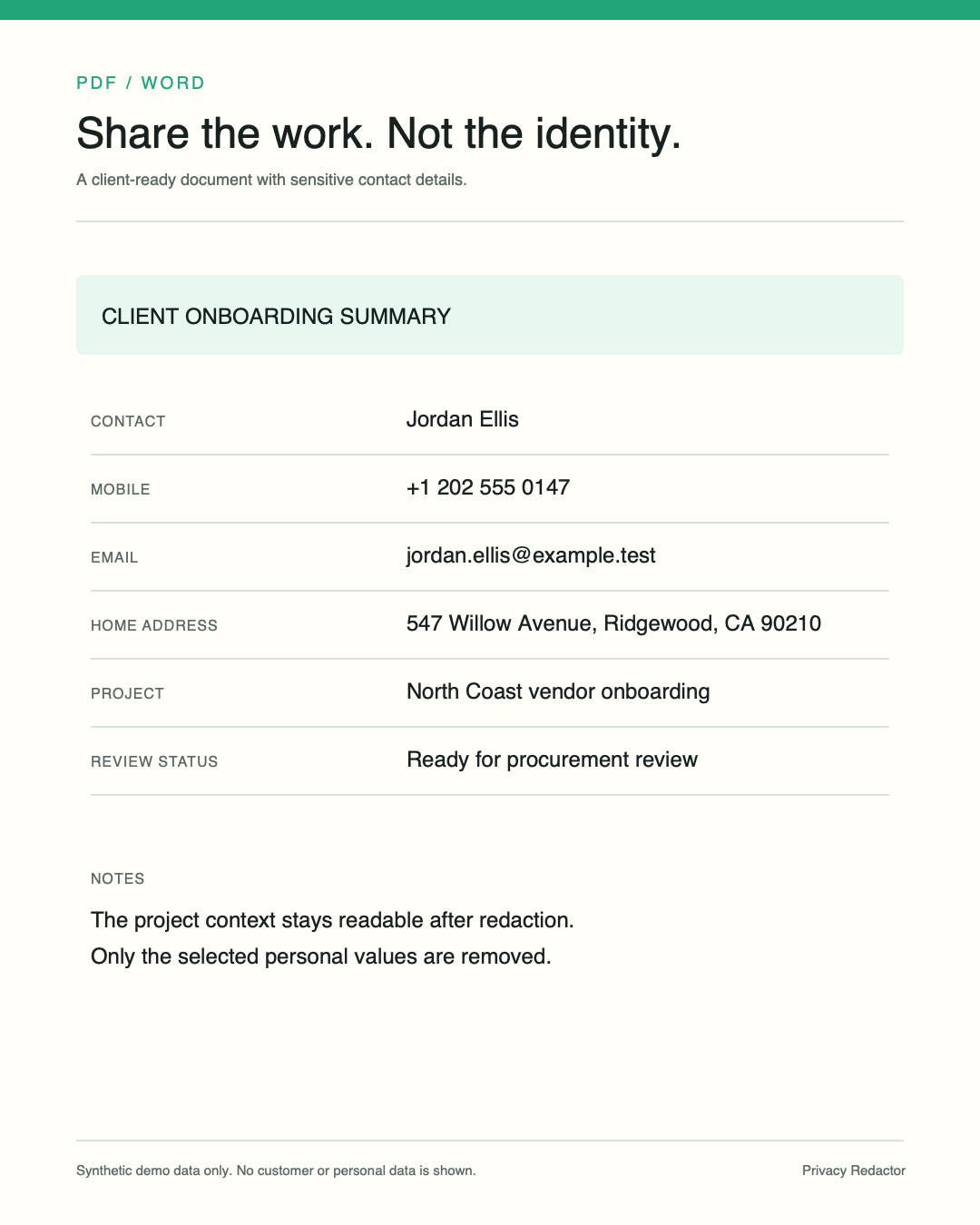
AI document creation
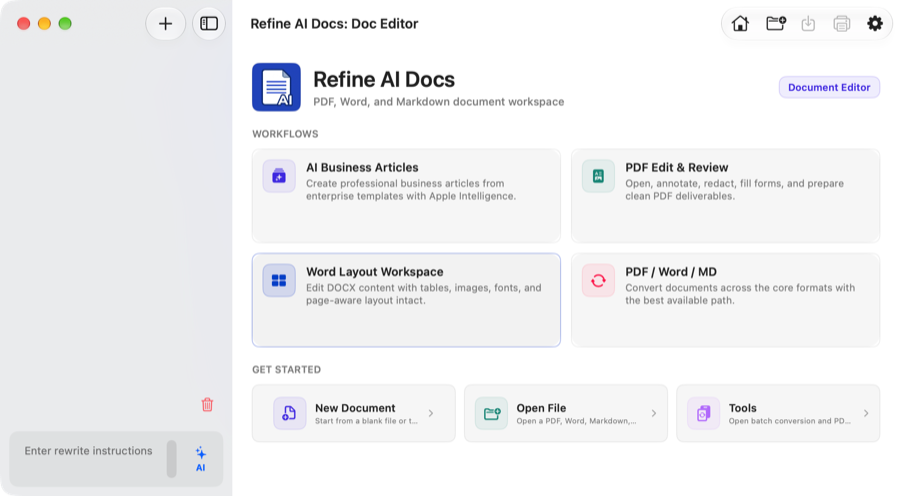
Choose a business template, describe what you need, and let Refine AI Docs build a structured first draft you can review and refine.
The workflow
Use the right action at the right moment. Preview and read-only tools preserve the source; save, convert, and publish actions create a result you can inspect.
Summarize a document, extract key points, recover structure, or inspect its format without changing the source.
Rewrite selected text for clarity, tone, or structure while preserving names, facts, numbers, and dates.
Start from a business template, add a focused requirement, and generate a Markdown document with its structure intact.
Move prepared Markdown, Word, or spreadsheet content into Publisher for templates, tables, charts, and PDF export.
Start with a document problem
Each guide explains the input, local processing path, expected output, and the checks worth making before you share the result.
Recover headings, tables, images, and reading order before exporting DOCX.
PDF to MarkdownPrepare PDFs for notes, documentation, static sites, and knowledge bases.
OCR for MacMake scanned pages searchable and reusable without sending every file to a cloud tool.
Markdown to PDFMove from plain text drafts to styled reports with covers, tables, and charts.
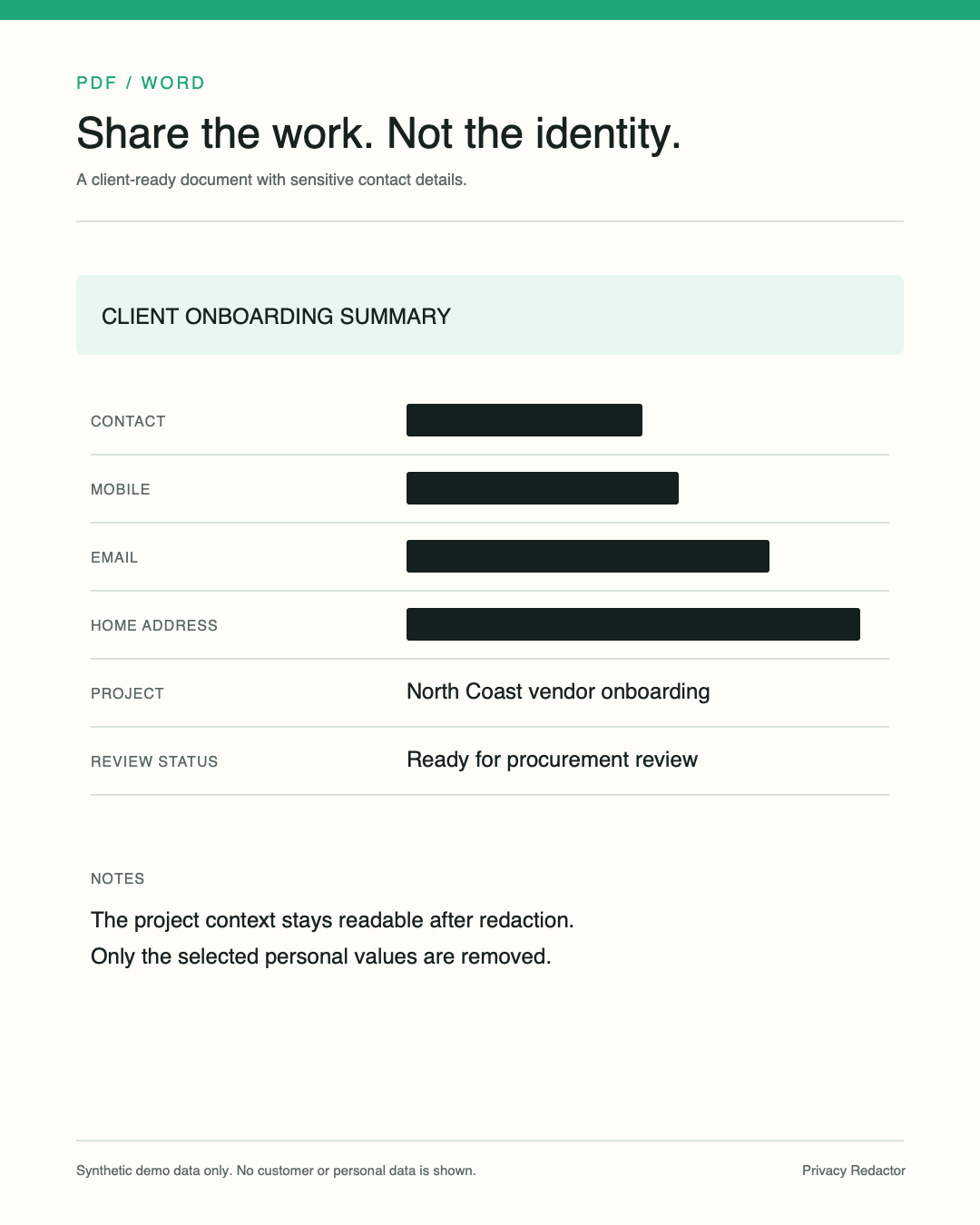
RedactionFind names, emails, IDs, phone numbers, and private fields before sharing.
Local workflowEdit, convert, publish, and redact private documents on your Mac.
AI for OS 27See what the current AI tools do, when they need macOS 27, and how to review every generated result.
Products
Use one focused tool or combine them into a private document workflow.
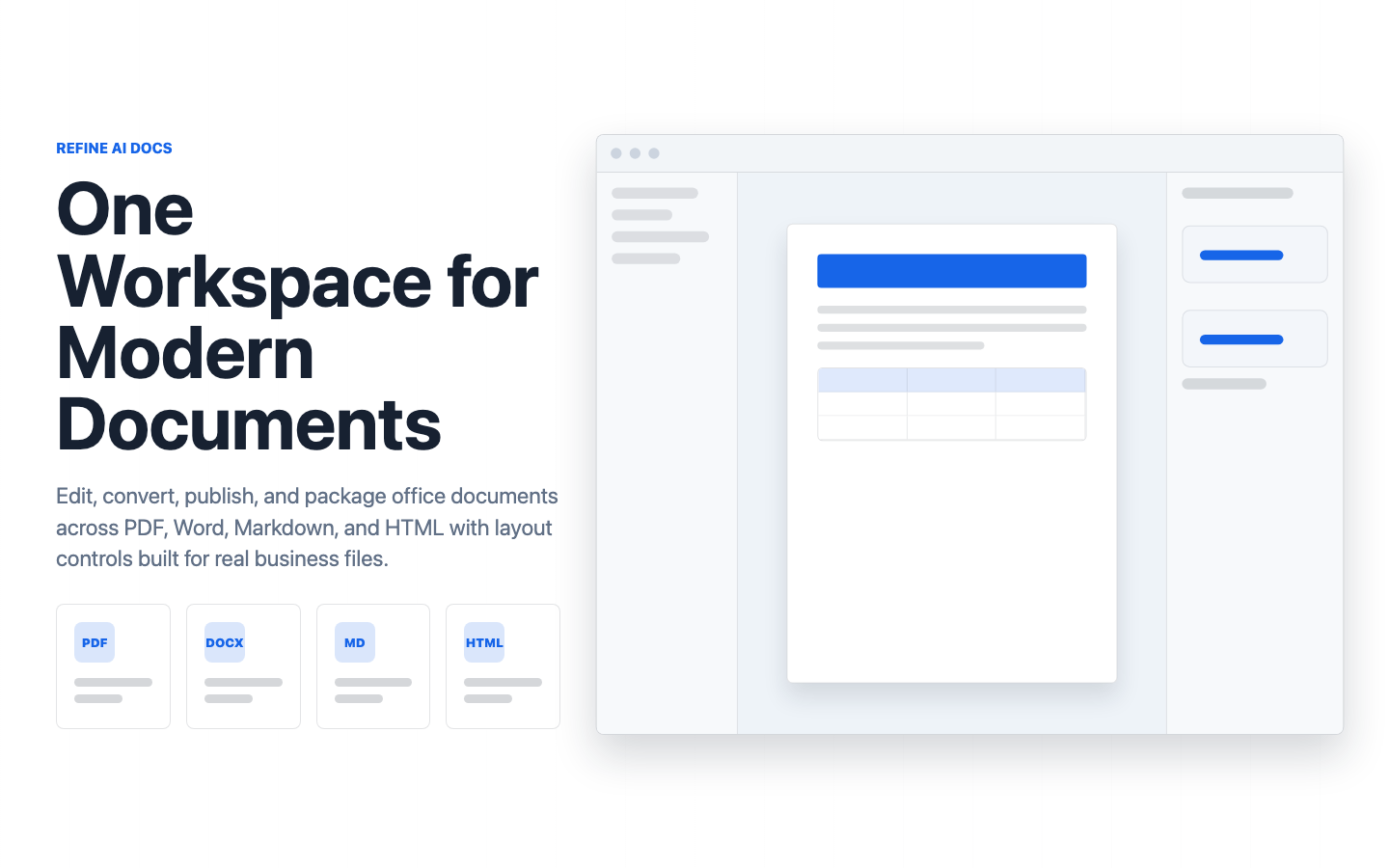
Refine AI Docs
Edit documents, recover structure, preserve or reflow layouts, and prepare clean exports without turning every file into a cloud task.
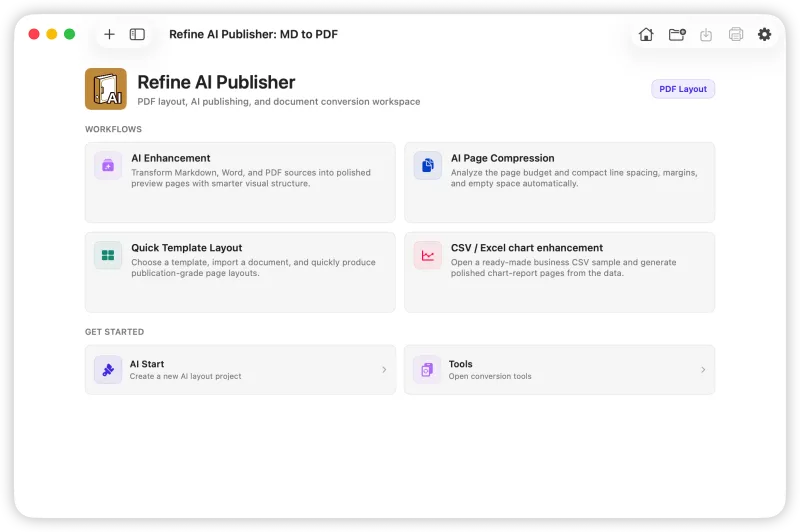
Refine AI Publisher
Use templates, AI enhancement previews, page-aware layout tools, tables, charts, and PDF export workflows for finished documents.

PrivacyRedactor
Detect sensitive information, mask it physically, and prepare shareable files while keeping the redaction process on your Mac.
PDF Forms AutoFill
Fill PDF forms, validate fields, generate completed forms from spreadsheet data, recover completed form data, and package business outputs.
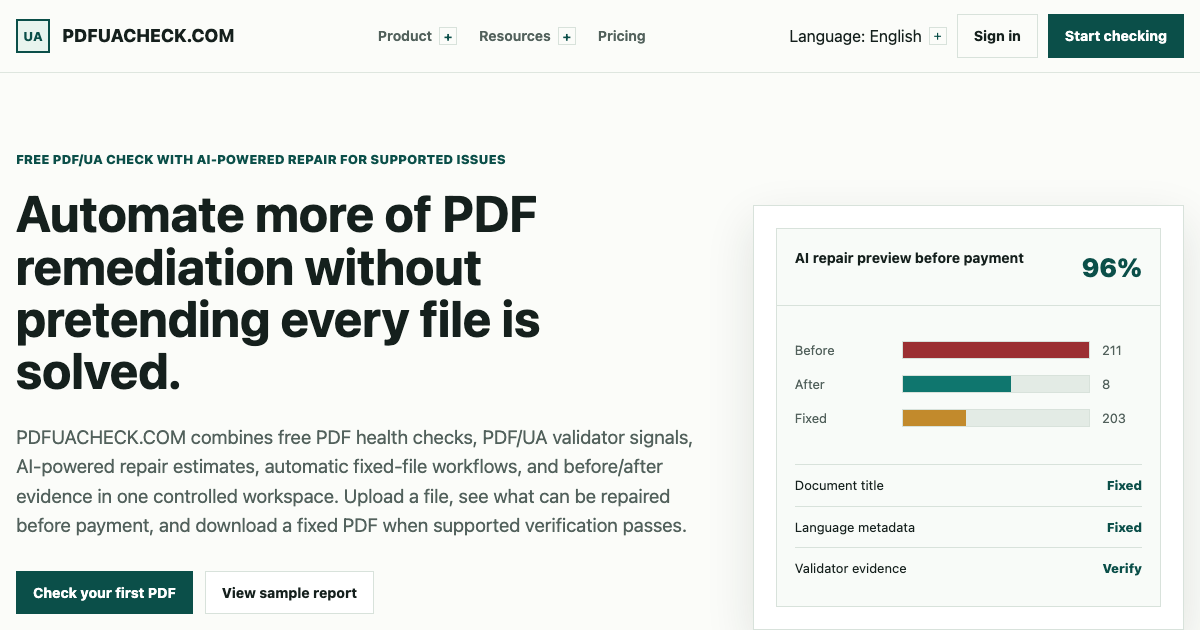
PDFUACheck
Inspect metadata, text extraction, scanned-page risk, fonts, language, and manual-review signals without presenting the result as a compliance certificate.
Workflow
Use Refine AI Docs to work with PDF, DOCX, Markdown, fixed layouts, and reflowable documents.
Use Publisher for templates, page-aware layout, tables, charts, and designed PDF output.
Use PDF Forms AutoFill for individual forms or repeatable PDF and DOCX batches from CSV or Excel data.
Use PDFUACheck to identify PDF health and accessibility risks that need automatic or manual follow-up.
Use PrivacyRedactor to detect private information, create a redacted copy, and review it before sharing.
Guides
Learn how to convert, publish, and redact files on macOS with local-first tools.
Refine AI Docs
Recover headings, tables, images, and reading order before exporting a reusable DOCX file.
Refine AI Docs
Use local OCR and structure recovery to prepare Markdown for notes, websites, and knowledge bases.
Refine AI Publisher
Move from plain Markdown to styled reports with templates, tables, charts, and export-ready layout.
PrivacyRedactor
Find names, emails, IDs, and private fields before sharing PDFs, resumes, screenshots, or forms.
Workflow
Combine editing, publishing, and redaction without turning private files into a cloud task.
Refine AI Docs
Understand the difference between OCR text, reconstructed layout, and a DOCX that still needs review.
PDF Forms AutoFill
Prepare columns, map fields, validate rows, and generate a repeatable output package.
PDFUACheck
Review language, title, text extraction, image-only pages, fonts, and semantic signals without claiming certification.
PrivacyRedactor
Find PII, confirm each redaction, clean metadata, and verify the exported copy before sharing.
Comparison
| Product | Best for | Platform | Learn more |
|---|---|---|---|
| Refine AI Docs | Document editing, OCR, format conversion, local workspace | macOS | Open page |
| Refine AI Publisher | Publishing, templates, AI enhancement, tables, charts, PDF export | macOS | Open page |
| PrivacyRedactor | PII detection, resume cleanup, PDF and image redaction | macOS | Open page |
| PDF Forms AutoFill | PDF form filling, CSV/Excel batch generation, field-value files, data recovery | macOS coming soon | Open page |
| PDFUACheck | PDF health checks, accessibility risk review, reports, and supported repair workflows | Web now; macOS coming soon | Open page |
FAQ
Use Refine AI Docs for PDF to Word conversion, OCR, document reconstruction, Markdown export, and local document editing on macOS.
Yes. The workflow is built around local-first Mac document processing, including OCR for scanned PDFs and image-heavy files.
Use Refine AI Publisher when your goal is a polished PDF with templates, tables, charts, covers, and export-ready styling.
Use PrivacyRedactor to review PDFs, images, resumes, screenshots, and forms before sharing sensitive documents.