
Collect PDF data
Recover selected fields from completed PDFs and organize the records in a reusable CSV/XLSX package.
Completed PDFs→CSV / XLSX
PDF Forms AutoFill for Mac
Get field-by-field guidance while you complete a form, review your answers, and save data for forms you use again. When work grows beyond one document, Business helps you collect completed PDF data and generate consistent forms from it.
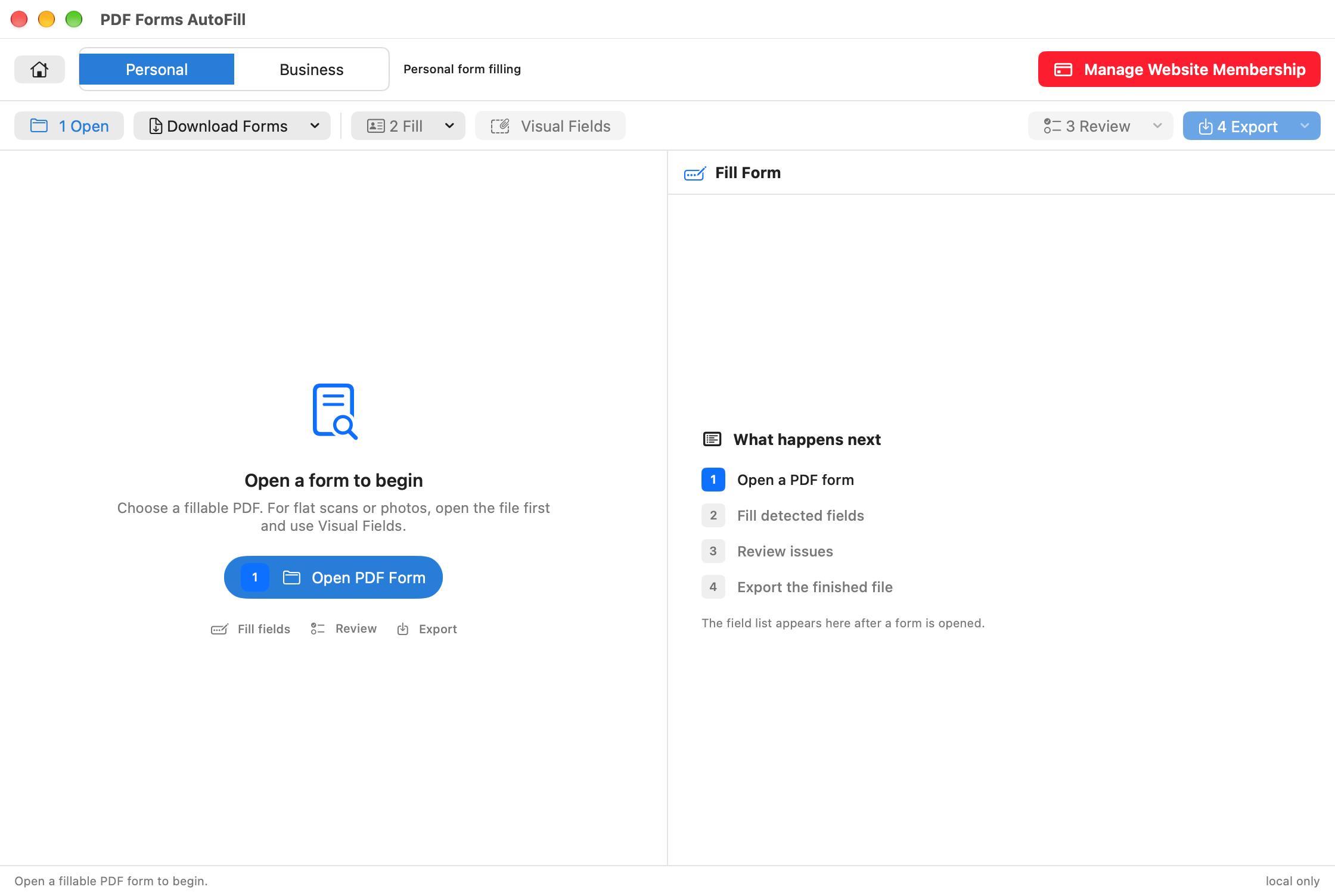
Understand field prompts while keeping the PDF in view.
Check entered values and issues before creating your finished copy.
Your selected files are processed on your Mac; you choose what to save or share.
Open a PDF and move through its fields with the form preview beside you. For supported forms, field guidance explains what information is expected. Review warnings, correct values, then save the completed PDF or export the form data for reuse.
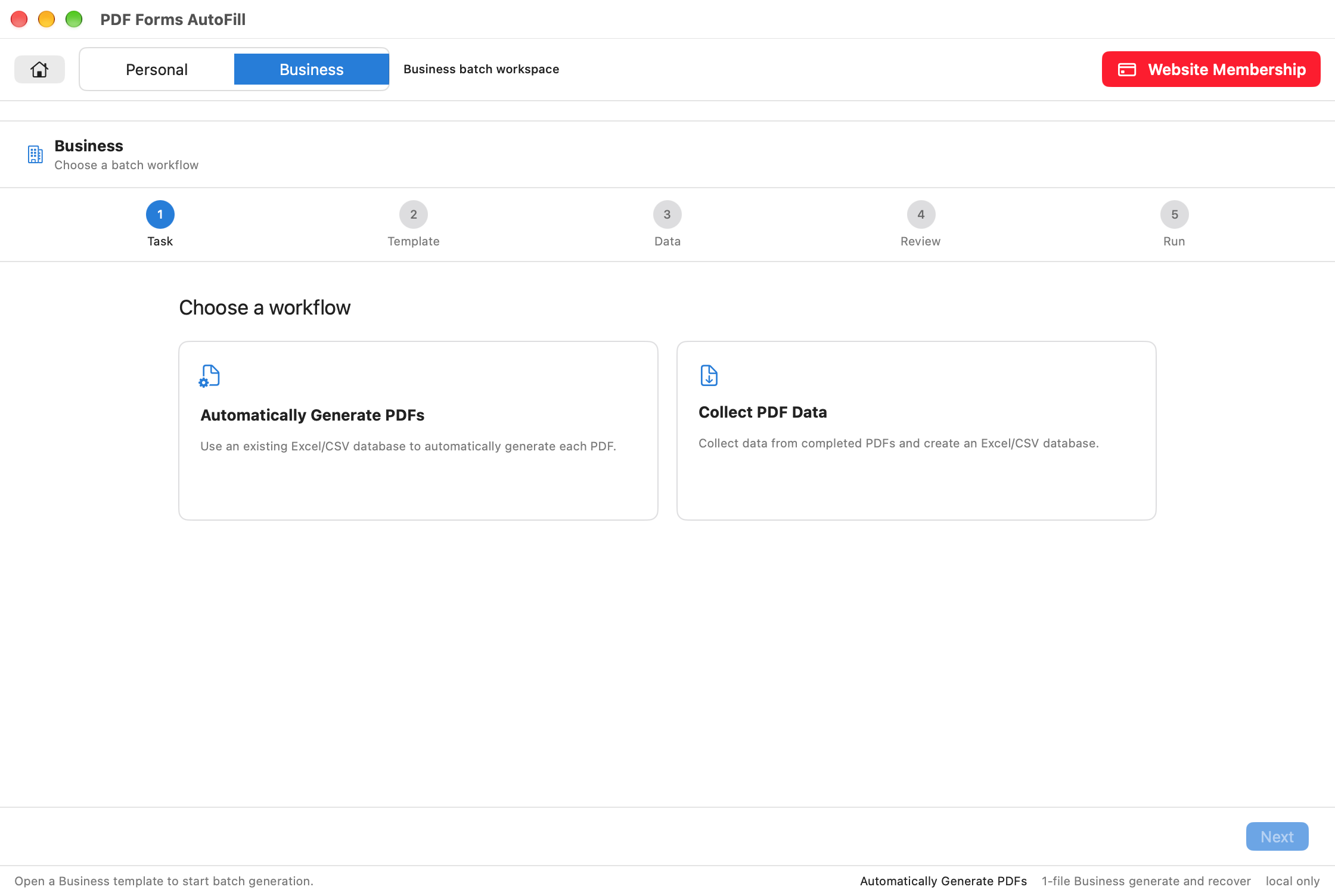
Business is for repeatable form operations. Choose one of two clear workflows: collect field values from completed PDFs into a spreadsheet, or use an existing CSV/XLSX database to create a completed PDF for each record. Keep the same template and field mapping to make the round trip predictable.
Recover selected fields from completed PDFs and organize the records in a reusable CSV/XLSX package.
Import a spreadsheet, map its columns to a form template, validate, and create a PDF for each row.
One app, two jobs
Use Personal when a person needs help completing a form. Use Business when a team needs to collect form data or produce many completed copies from a spreadsheet.
Open Personal, follow the field guidance, review your entries, and save the completed result or reusable data.
Explore PersonalOpen Business and choose whether you are collecting values from PDFs or generating PDFs from data.
Explore BusinessDownload PDF Forms AutoFill for macOS, or use the guides to prepare a spreadsheet and follow the Business workflow.