
Document basics
File openability, page count, title, document language, file size, and basic metadata consistency.
PDFUACheck
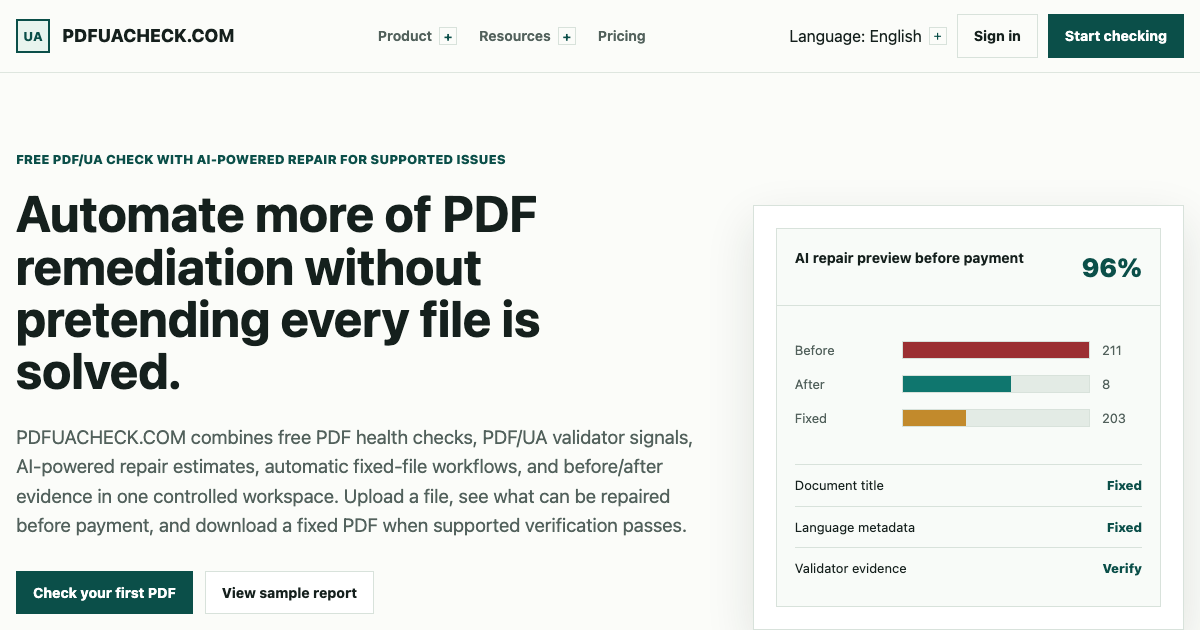
Review whether a PDF opens cleanly, exposes extractable text, includes title and language metadata, relies on image-only pages, embeds fonts, and presents signals that need manual accessibility review.
What it checks
The report separates machine-checkable findings from items that still require human judgment.
File openability, page count, title, document language, file size, and basic metadata consistency.
Text extraction, image-only page signals, OCR need, and warnings when content may not be searchable.
Font embedding and Type0 ToUnicode signals that affect text extraction and assistive technology review.
Reading order, headings, tables, alternative text, form labels, and other semantic areas that cannot be safely certified by one automated score.
Report evidence
Important boundary
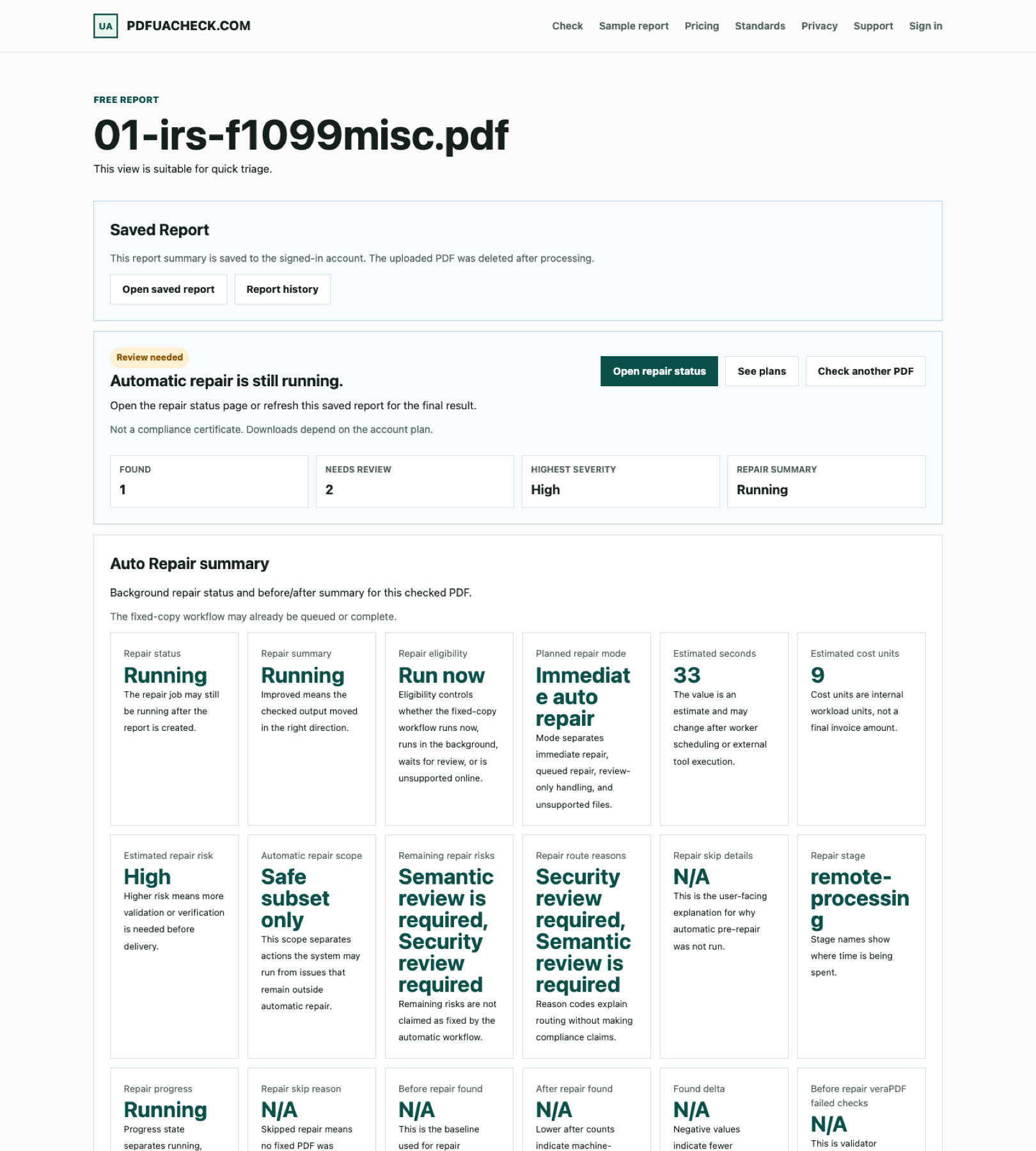
PDFUACheck identifies risks and supporting evidence. A passing automated check does not prove that every semantic relationship, reading order decision, table, annotation, or alternative description is correct.
Inspect the file without assuming one score tells the whole story.
Separate deterministic findings from manual-review items.
Use supported metadata, OCR, compression, form, link, and reviewed semantic workflows where appropriate.
Re-run the checker and an independent validator, then complete human review before making a compliance claim.